Clients in French
Your clients can read Firmdesk in French: their portal and its sign-in pages, the emails it sends them, their invoices, statements and credit notes, letters, and what they sign in the portal with its certificate. So can each person on your team, for your firm's own pages and the emails Firmdesk sends them: see Your team's own language.
Each person reads in their own language, and each client's documents are in the client's language. Anyone without their own follows your firm's default.
Choose your firm's default
- Click Settings › Portal settings.
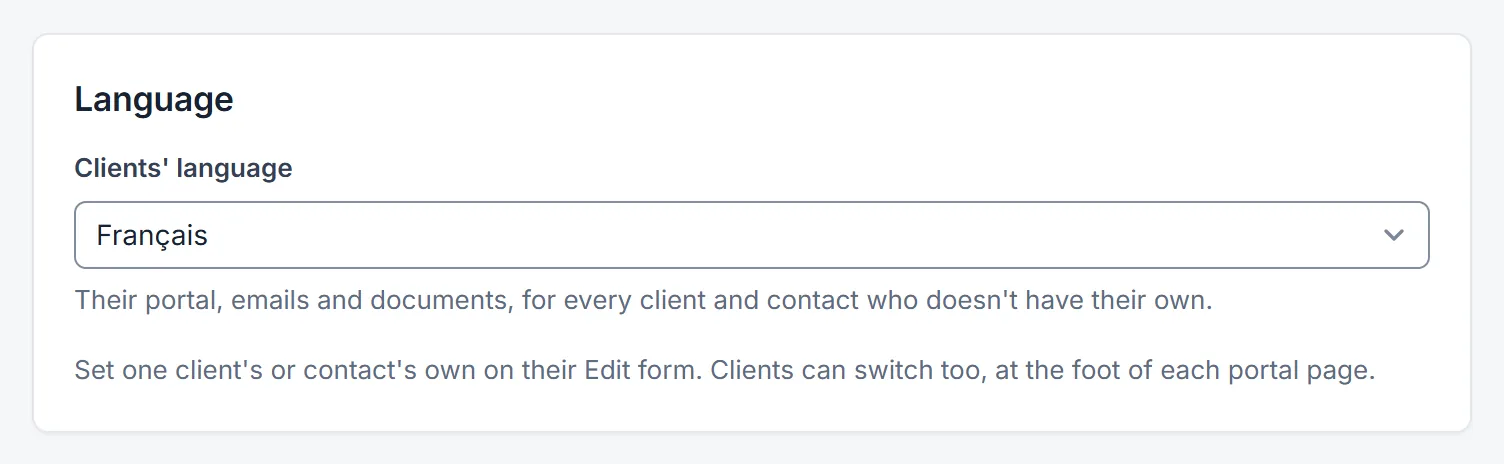
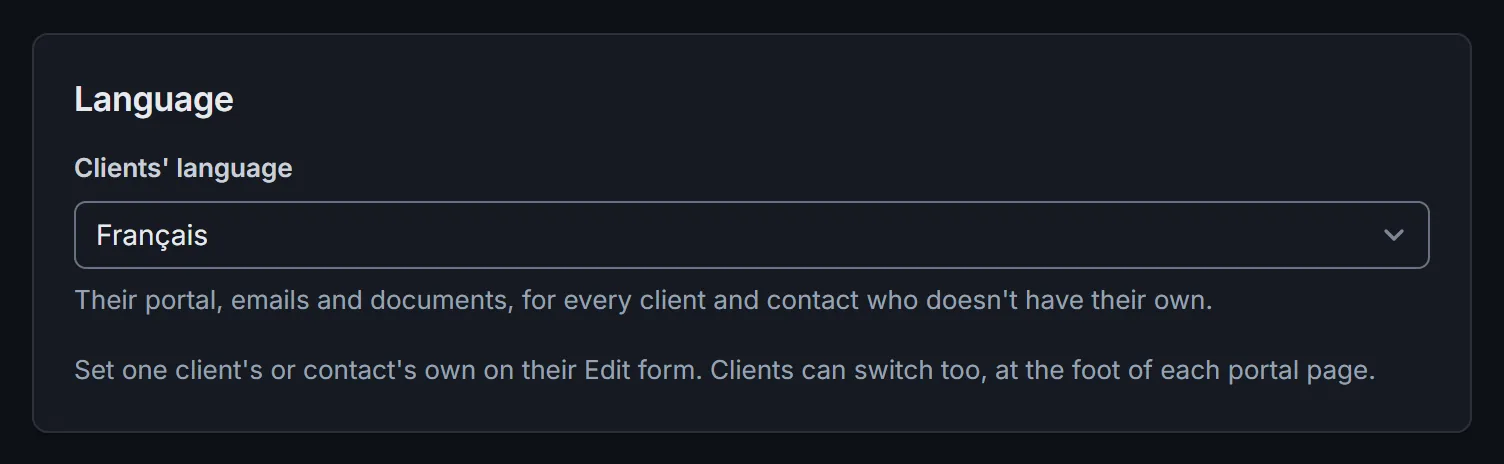
- Under Language, choose Français for Clients' language, then click Save.
Every client and contact who doesn't have a language of their own now reads French. The portal's sign-in page is in French too, until someone chooses otherwise.
One client or one contact in French
- A contact: open them, click Edit, choose Language › Français, then Save. Their portal and every email they get are in French.
- A client: open the client, click Edit, choose Language › Français, then Save. Their invoices, statements, credit notes and letters are in French, on your pages too, so what you print or send matches what they see.
Your firm's default (English) as a language follows your firm's setting, whatever it becomes. The client's Overview and the contact's page show the language in use.
What your clients see
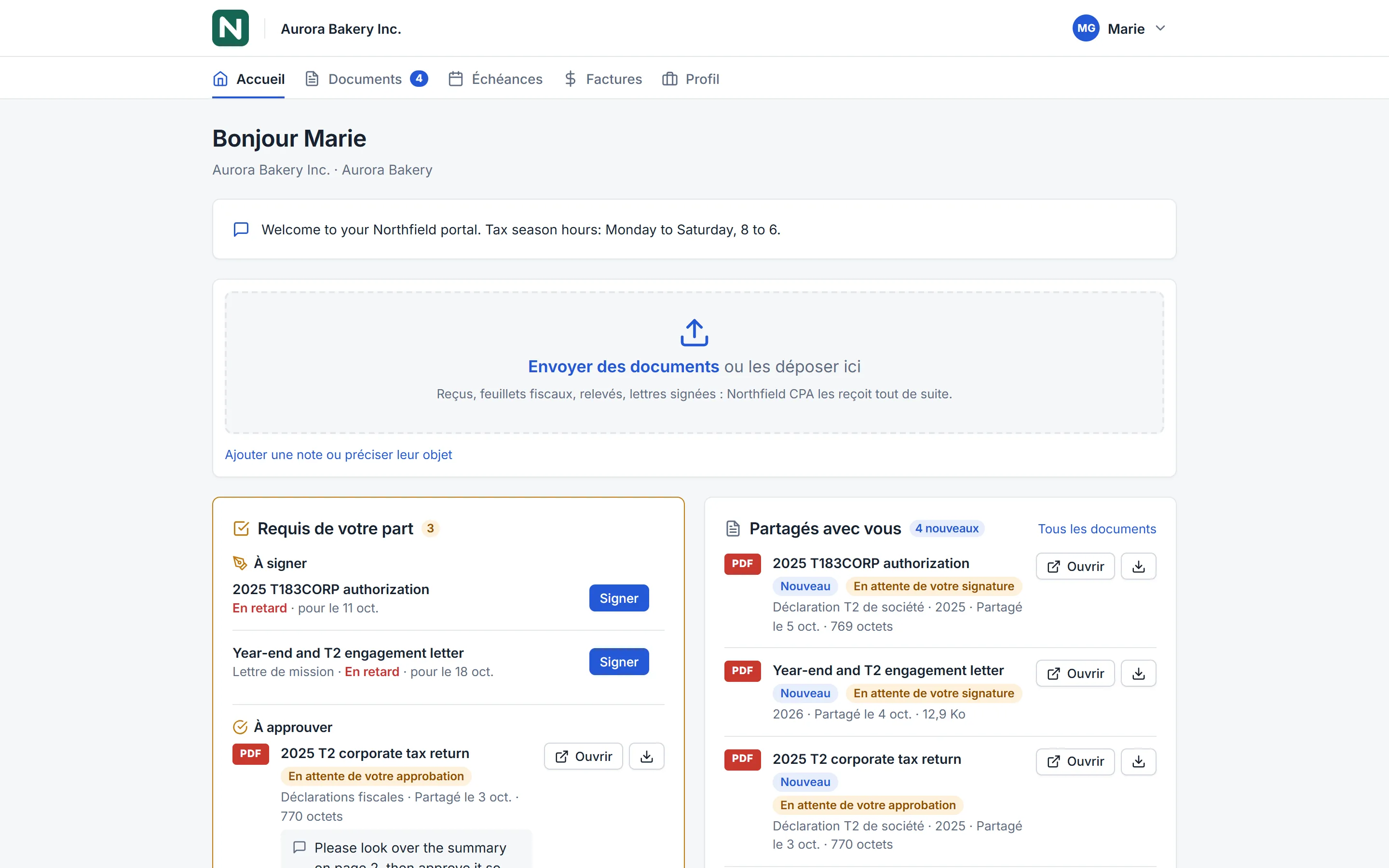
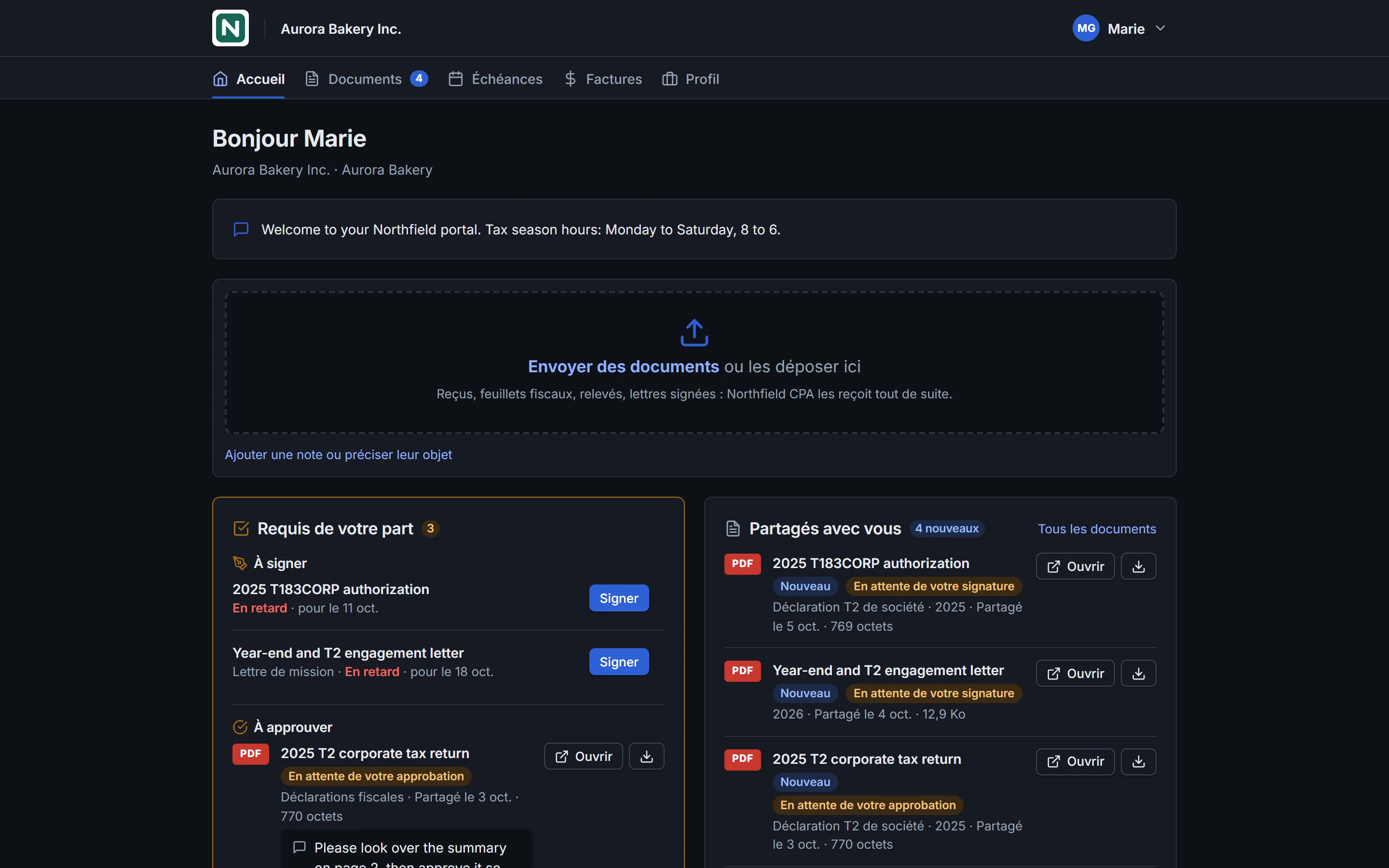
- The portal in French, with French dates ("19 oct. 2026") and amounts ("1 875,50 $"). The foot of each page offers the other language: a click changes that person's own language, for the portal and their emails.
- Emails: invites, sign-in codes, new documents, requests, reminders, invoices, receipts and signature requests, each in its reader's language. Its button opens the portal in that language.
- Invoices, statements and credit notes in the client's language, with French labels, dates and amounts. Online payment opens Stripe's checkout in French.
- Signing: the signing page, the signed copy's stamp and its certificate.
- Deadlines Firmdesk named, such as "Déclaration de TPS/TVH — juil.–sept. 2026". A deadline you renamed keeps your title.
French starter templates
The first time you set your firm's default, a client or a contact to French, Firmdesk adds French versions of its starter request templates and letters, once:
- under Requests › Templates, the nine starters again in French, such as T1 checklist (French);
- under Letters › Templates, the ten starter letters in French, such as Lettre de mission — déclaration de revenus (T1).
Change them like any other, or delete the ones you don't need: they don't come back. Use them for your French clients: what you write yourself is sent as you wrote it.
The French letters are a starting point: have them read by your lawyer before you rely on them, as you would the English ones.
What stays as you wrote it
Firmdesk translates its own words, not yours:
- names, notes, your portal's welcome message;
- a request's title and items, a reminder you edited, a letter's text;
- a deadline you renamed, an invoice line you typed.
Write those in French for your French clients, starting from the French templates.
Your team's own language
Each person at your firm chooses the language they read Firmdesk in: its pages, and the emails it sends them. It's theirs alone: it changes nothing for your clients or the rest of your team.
- Click your name at the bottom of the sidebar, then Your account.
- Under Profile, choose Language › Français, then click Save profile.
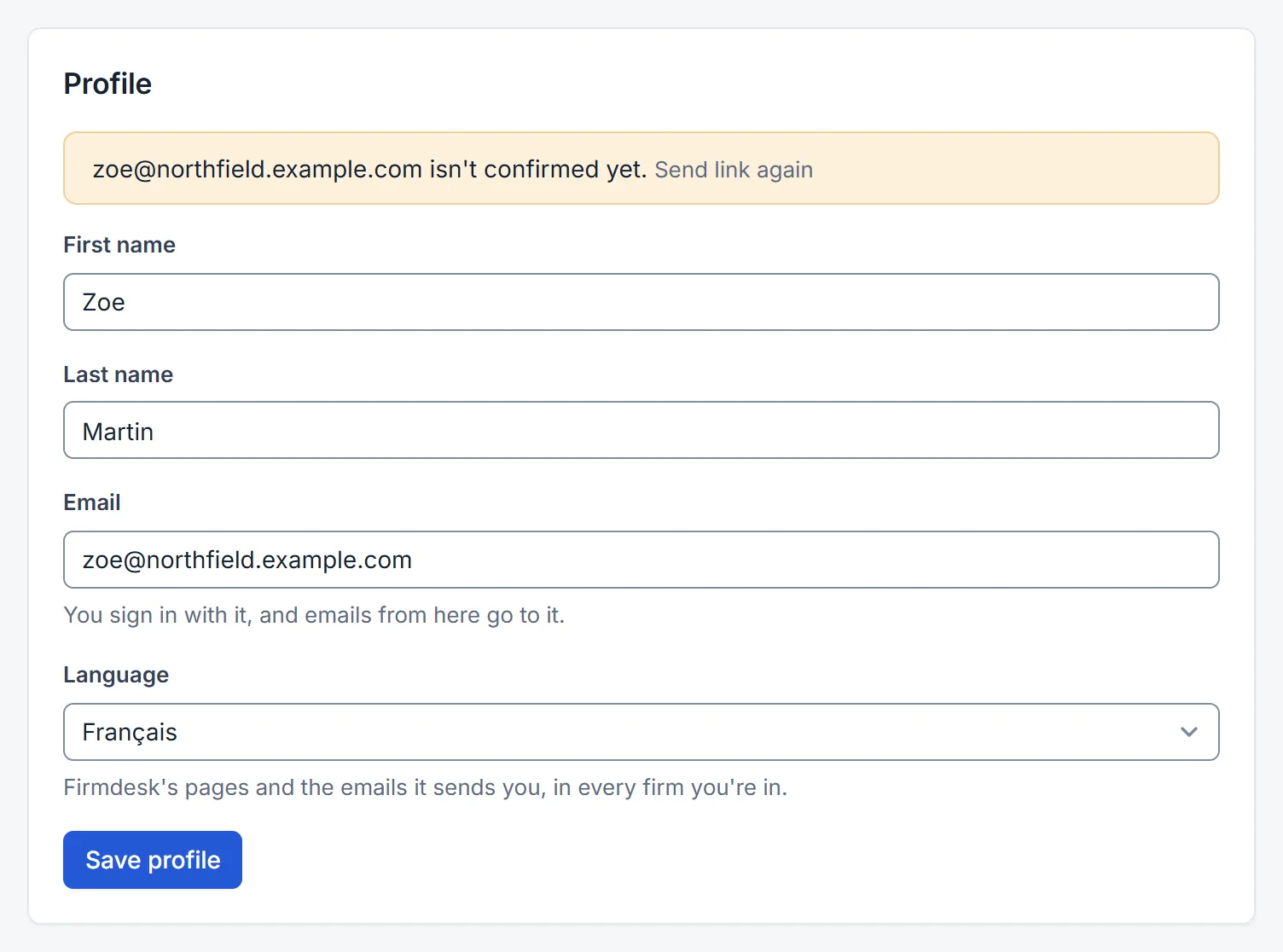
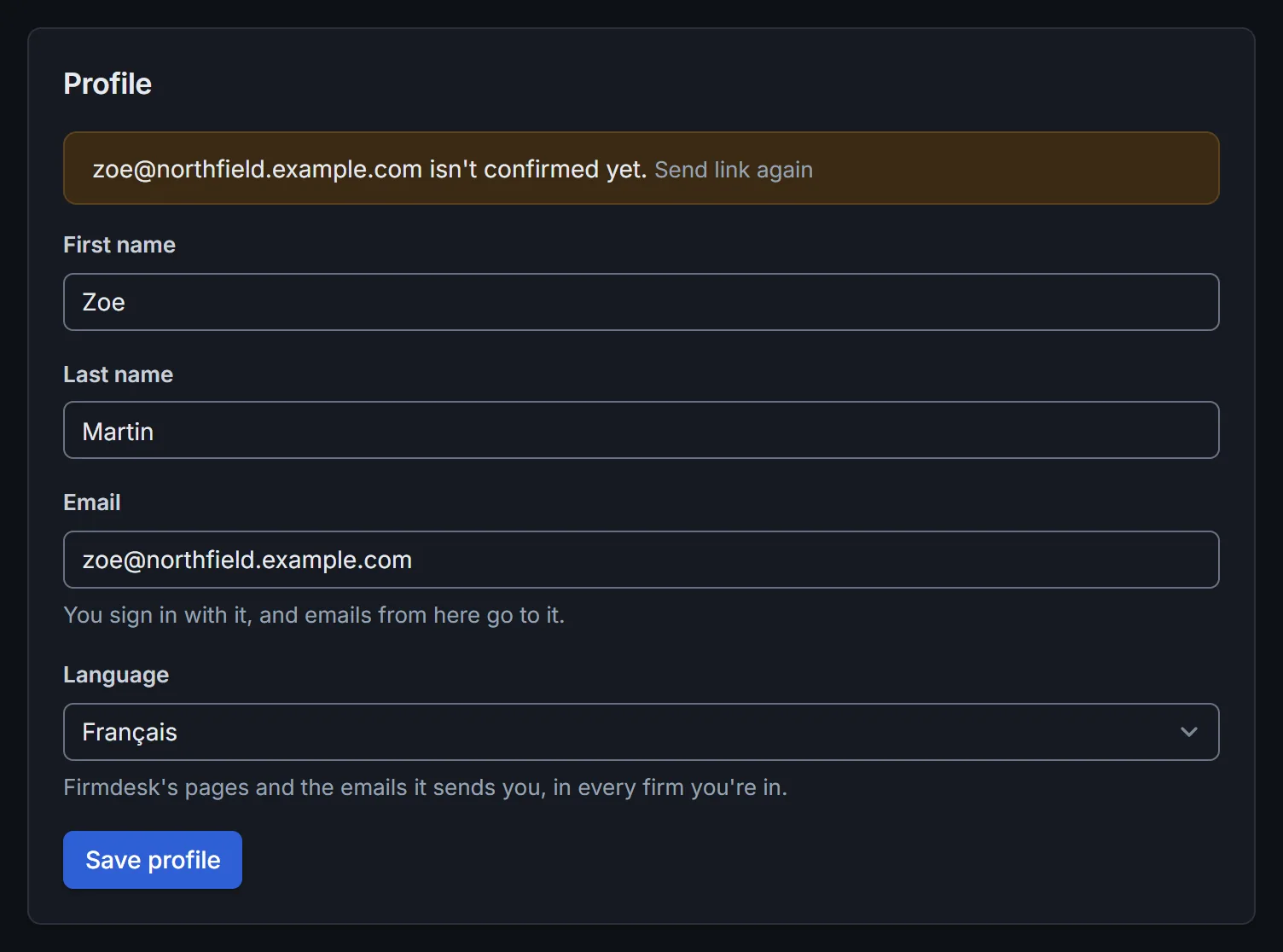
Firmdesk is in French from the next page, with French dates ("19 oct.") and amounts ("1 875,50 $"):
- Every page of your firm's side: Home, Clients, Deadlines, Tasks, Time, Billing, Settings and the rest.
- The emails Firmdesk sends you: a task given to you, what a client did in the portal, a payment received, your summary, an email that didn't arrive. Each person gets these in their own language, so a French and an English colleague can get the same news, each in theirs. The shared address in your portal settings gets them in the language most of your team reads.
- The sign-in page on this browser, the next time you sign in.
It's the same in every firm you belong to. To go back, choose English the same way.
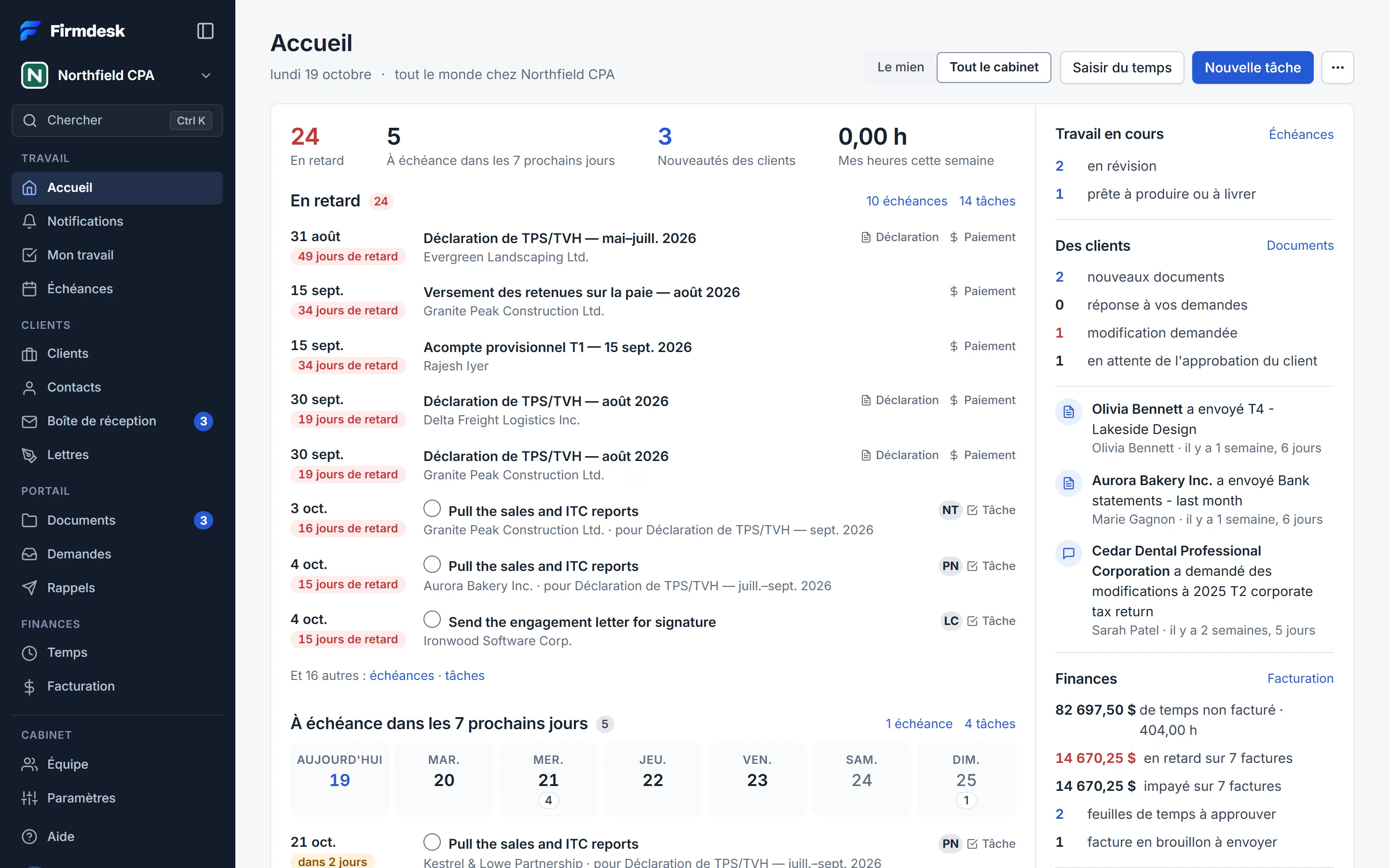
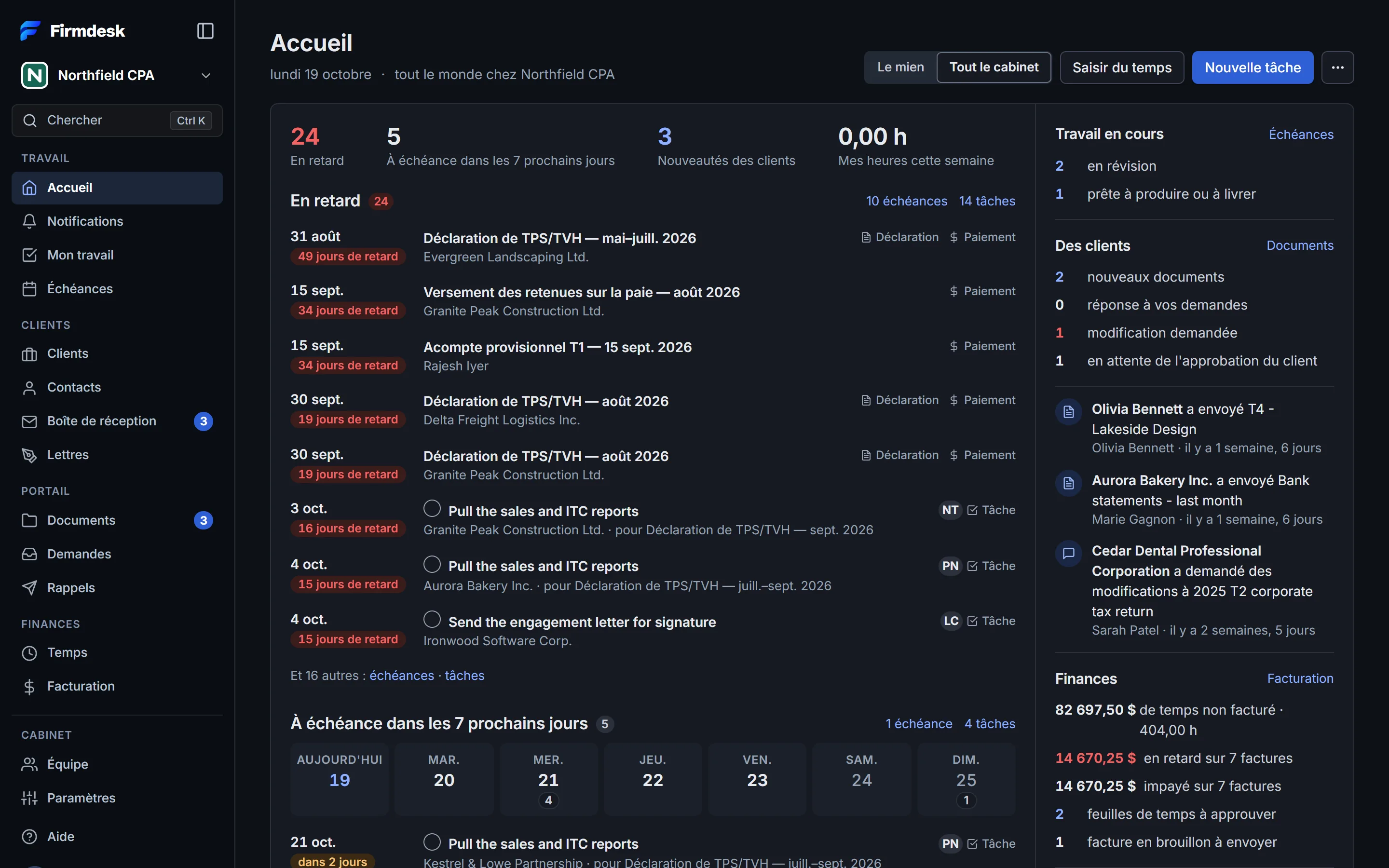
What you see in French is Firmdesk's own words. Your firm's words stay as they were written: client names, task titles, notes, request templates, your automations' emails. A few lines Firmdesk keeps as things happen stay in English too: the activity log, and the notes on what each automation did.